Your data stays on your Mac either way. Kola organises it around people instead of pages.
Choose Obsidian if
Choose Kola if
Obsidian is a local notes app. By default your notes are plain files on your own disk.
Kola starts from the same place and organises around the people rather than the documents.
| What | Obsidian | Kola |
|---|---|---|
| Made for | Writing and linking your own notes | Remembering the people in them |
| Reads | The files in your vault | Email, calendar, messengers, recorded calls and your notes |
| You end up with | A vault of pages you wrote | A page per person, mostly written for you |
| Who it suits | People who write a lot down | People who cannot write all of it down |
Nothing stops you keeping both. Obsidian for what you write, Kola for who you know.
Local, and yours
One SQLite file on your Mac. No server holds a copy of your notes or your network.
Filed by person, not by folder
A note attaches to the people it mentions and comes back when you ask about them, whatever folder it is in.
It reads what you never wrote down
Mail, calendar, messengers and recorded calls arrive on their own, so a person is more than the notes you made about them.
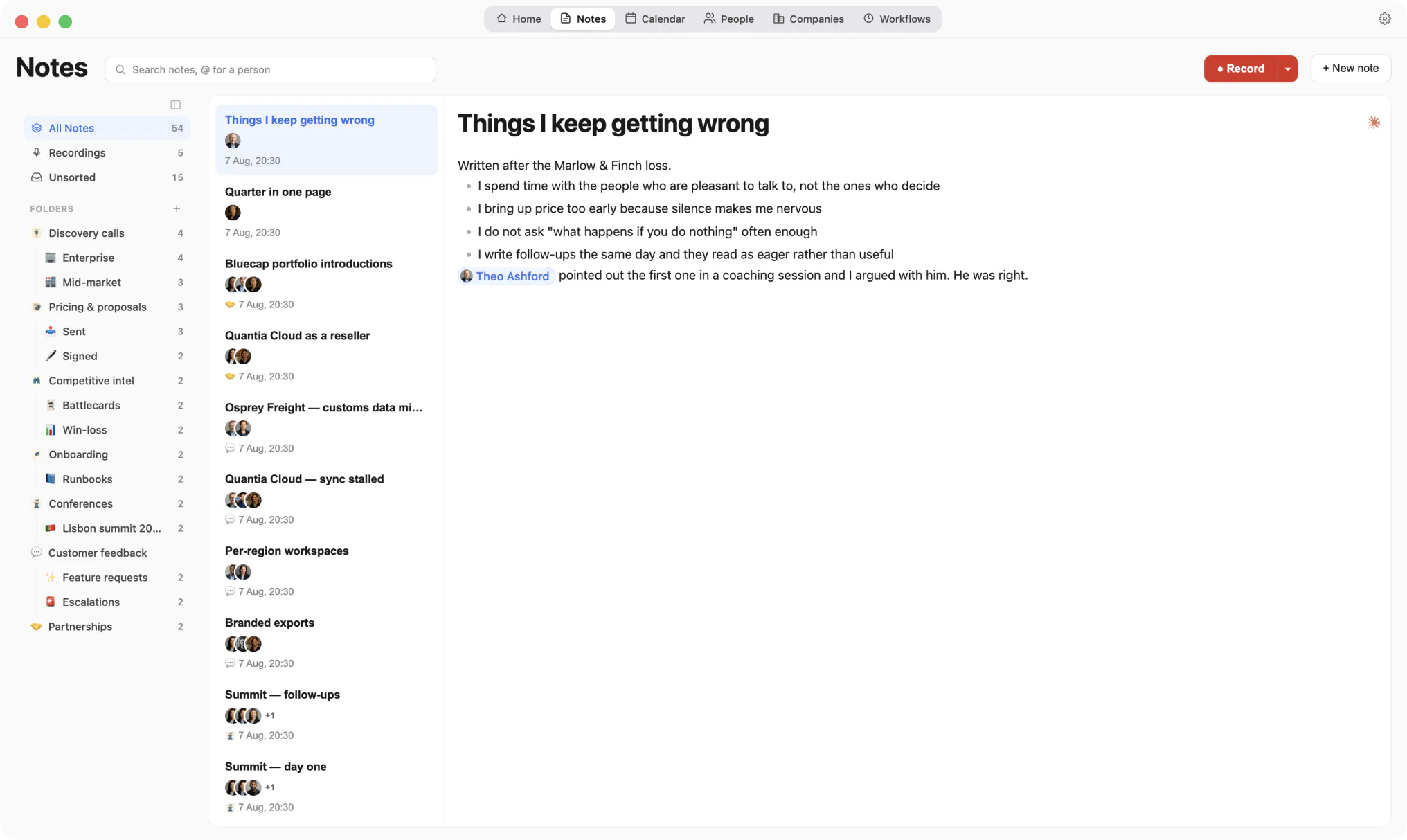
Filed by the people it mentions, not by folder.
Kola does not import from another tool, and it does not need to. It reads the same accounts you already connected elsewhere and builds its own picture from them.
Install Kola.
One download, signed and notarized by Apple. Nothing to export from Obsidian first.
Connect an account.
Start with the mailbox and calendar you live in. Kola reads them in the background and fills itself in.
Keep both for a while.
Nothing forces a decision. Run them side by side and keep whichever earns its place.
Can Kola read my Obsidian vault?
No. Kola reads mail, calendar, messengers, recorded calls and its own notes. A vault of markdown files is not one of its sources.
Is Kola local too?
Yes. One file on your Mac, and no server of ours that receives it. The features that do send data out are named on the security page.
Do I have to import anything to get started?
No. Connect the same accounts you already use and Kola builds itself from them. There is nothing to export from anywhere else first.
Which accounts can it read?
Gmail, Outlook and Apple Mail, Google and Outlook calendars, Google and Apple Contacts, Telegram, WhatsApp, Slack, LinkedIn, Instagram and Facebook. Connect only the ones you use.
What does it need to run?
An Apple Silicon Mac. Kola is signed and notarized by Apple, so it opens with a normal double-click.
Install Kola and connect an account. Kola builds your contacts from there.