Kola for macOS
Your people, remembered.
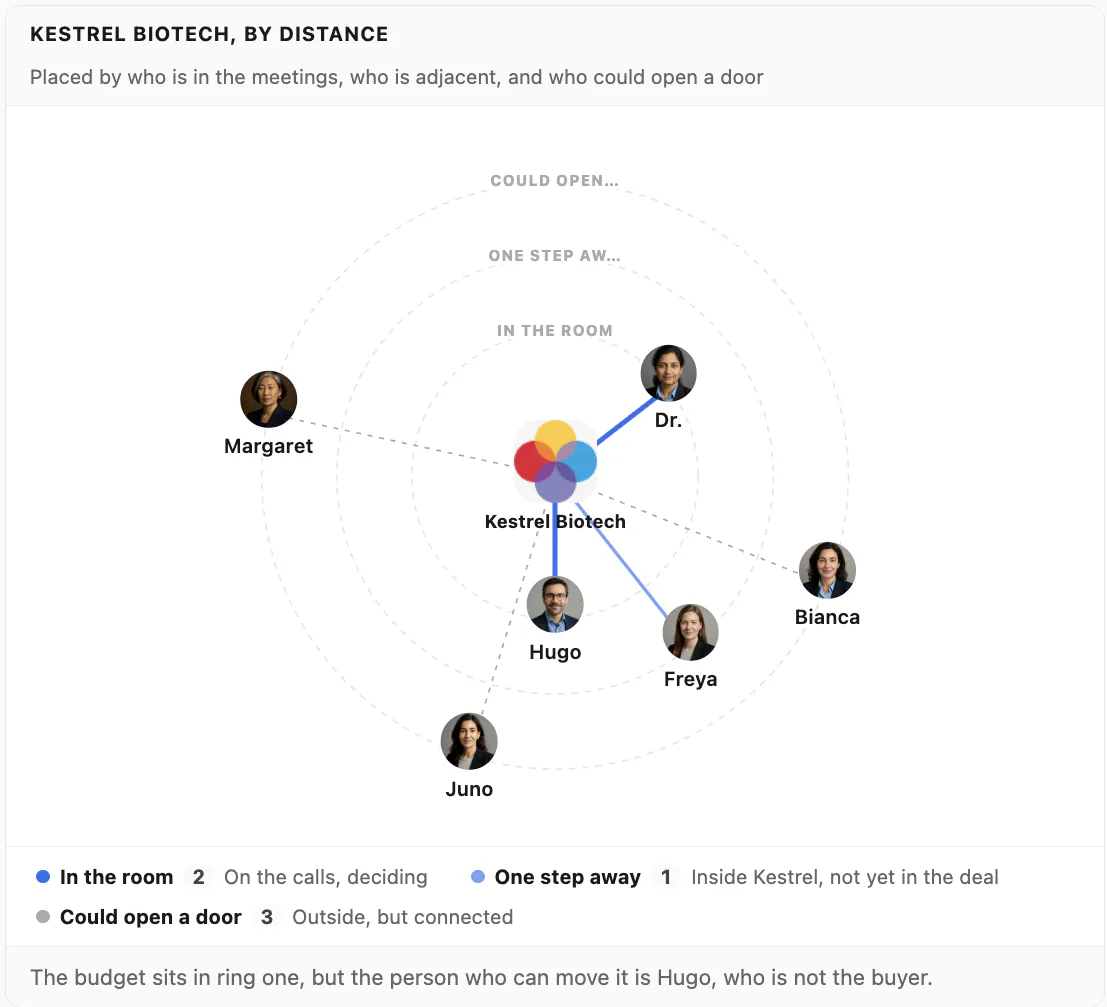
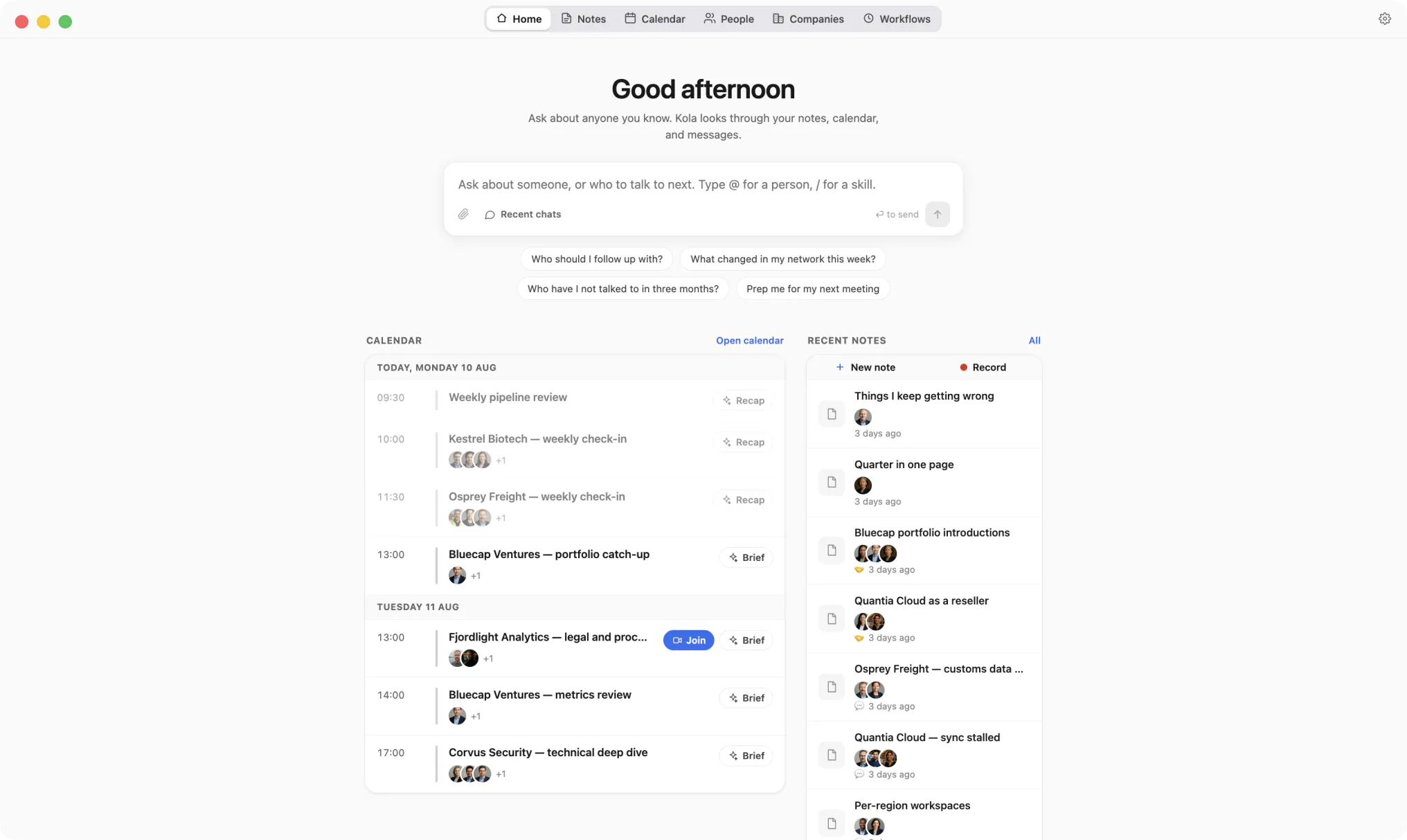
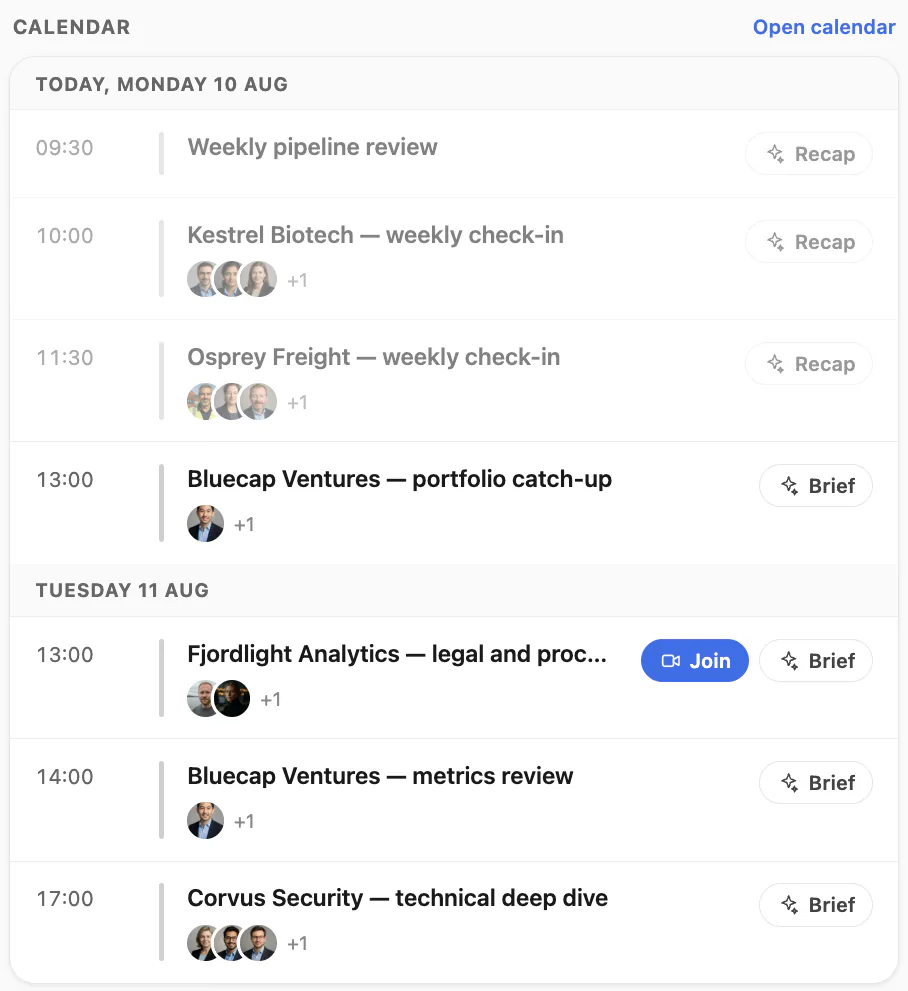
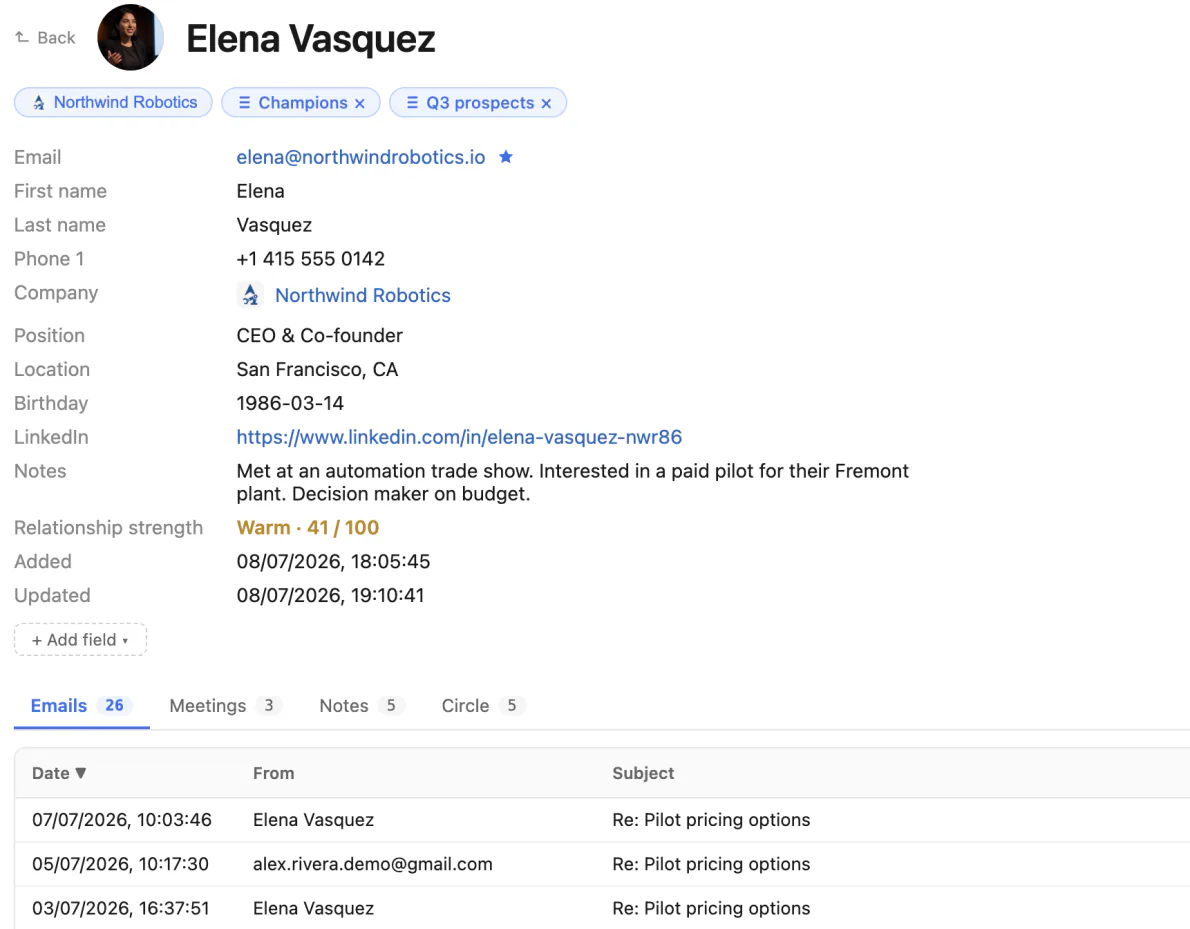
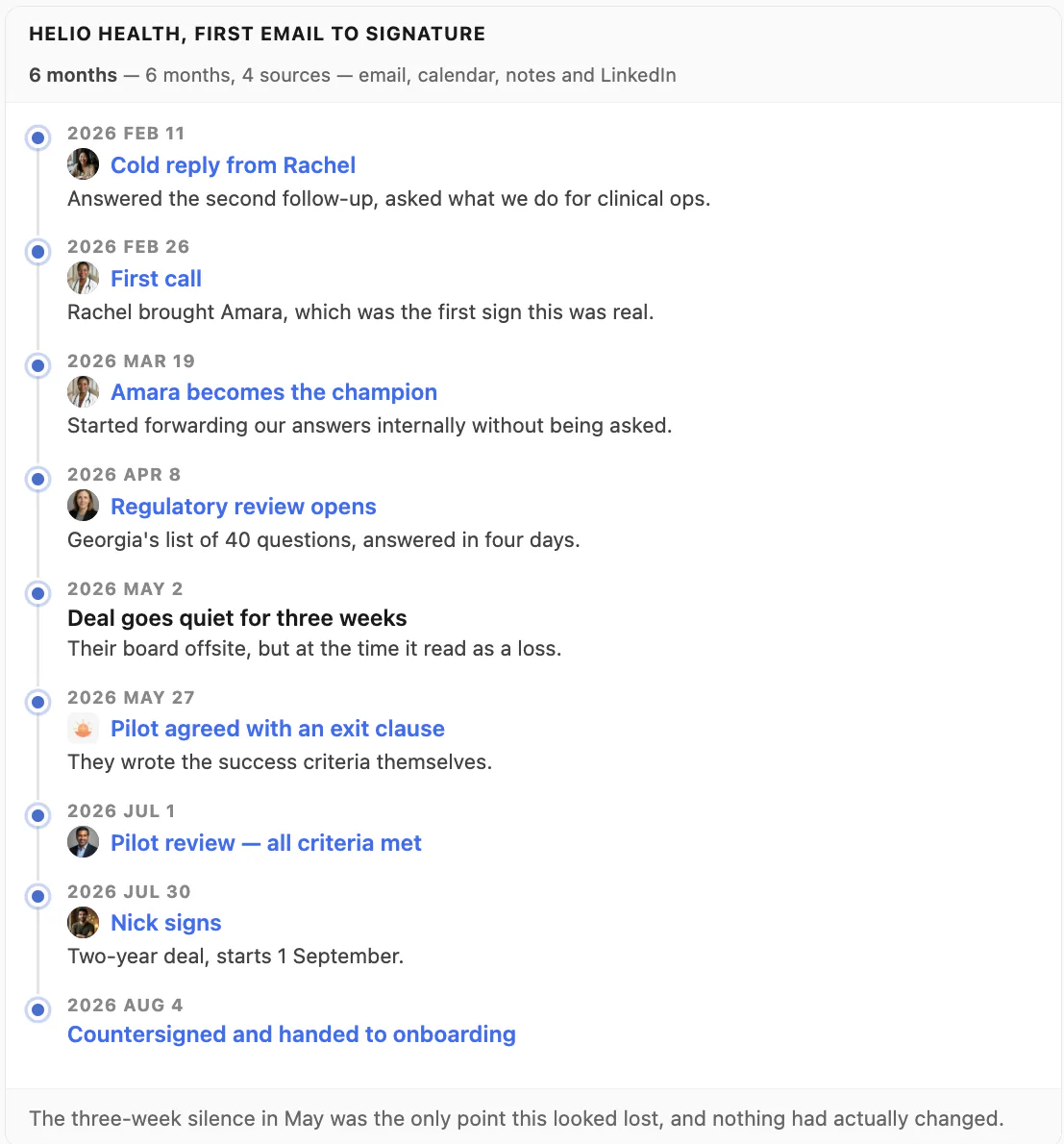
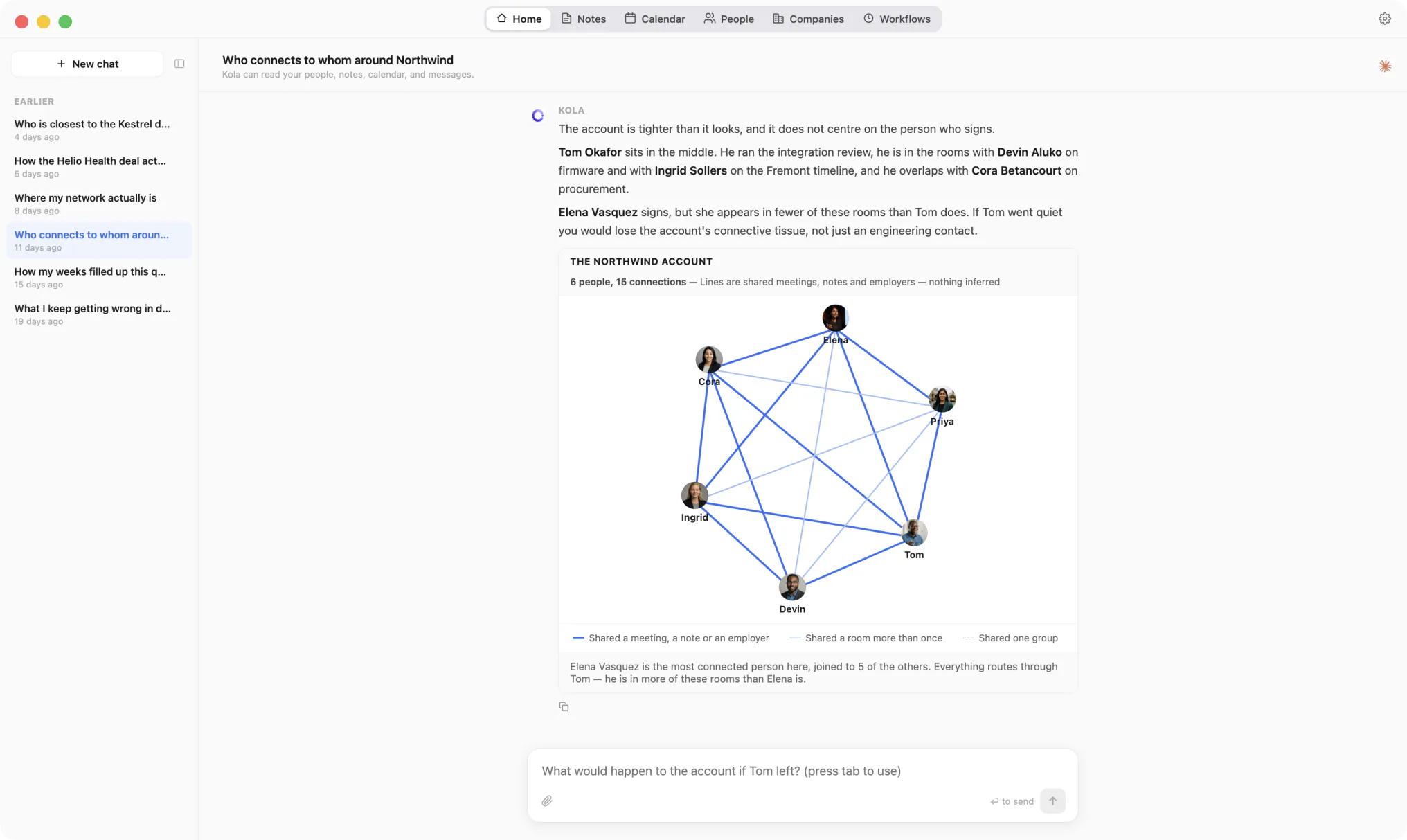
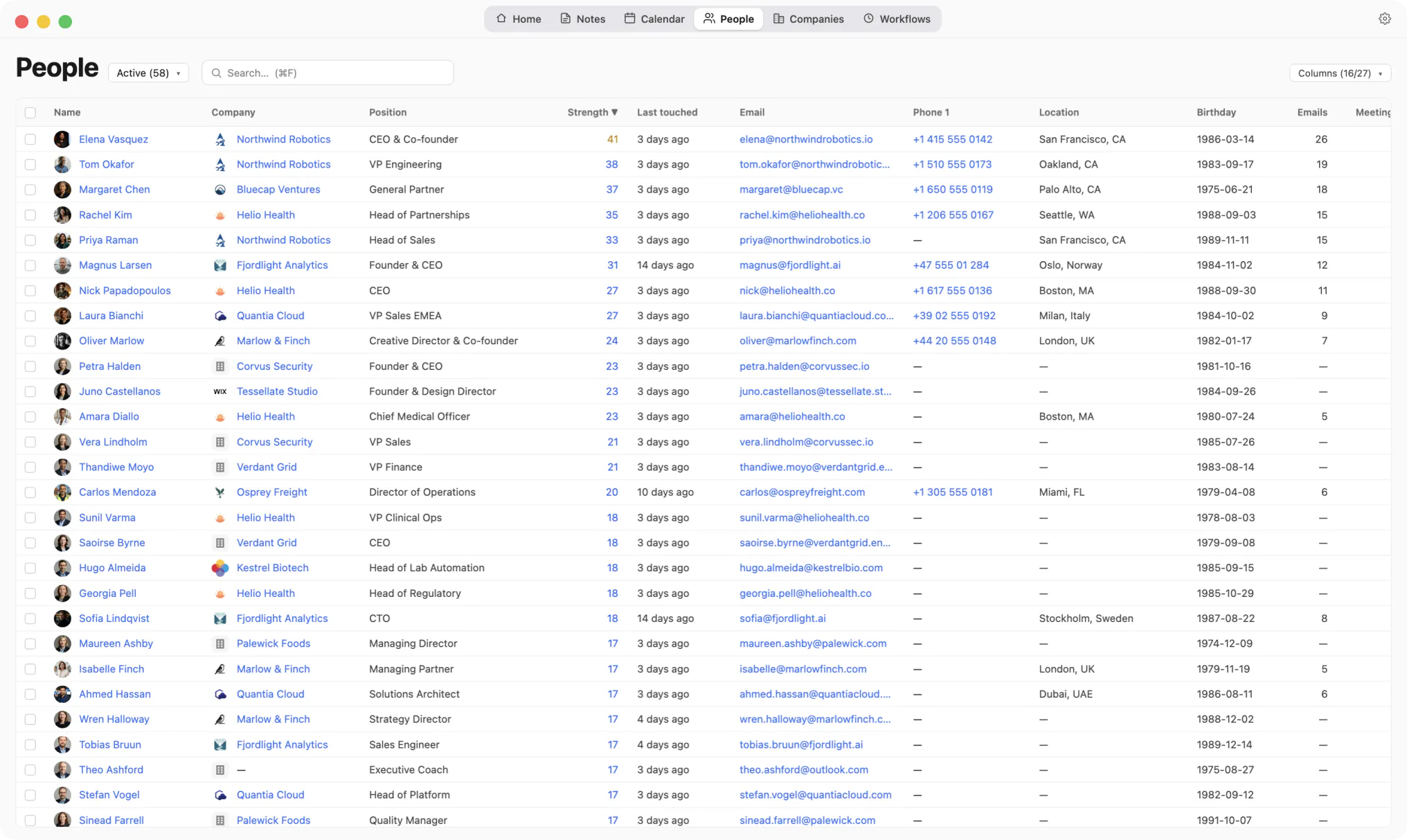
An AI-native personal CRM that pulls every person you know out of email, calendar, LinkedIn, Telegram, and WhatsApp — and remembers the context that matters.
Version 0.1.55 · Apple Silicon · macOS 13+
Installing Kola
Kola is not yet notarized by Apple, so macOS will warn you the first time you open it. The two minutes below are a one-time setup.
-
1
Open the DMG.
Double-click
Kola-0.1.55-arm64.dmgin your Downloads folder. A small window with the Kola icon will appear. -
2
Drag Kola into Applications.
The DMG window shows a shortcut to your Applications folder. Drag the Kola icon onto it.
-
3
Allow Kola to open (first launch only).
Open Applications, right-click Kola, pick Open, and confirm. macOS will remember this choice — every subsequent launch is a normal double-click.
If you see "Kola is damaged and can't be opened", run
xattr -dr com.apple.quarantine /Applications/Kola.appin Terminal, then try again.