Folk is a workspace a team shares. Kola is the memory one person keeps.
Choose Folk if
Choose Kola if
Folk is a shared relationship workspace. A small team works the same contacts together.
Kola is for one person, and it keeps its data on that person's Mac. That is a real difference, not a missing feature.
| What | Folk | Kola |
|---|---|---|
| Made for | A team working the same contacts | One person's own memory |
| Reads | The accounts the team connects, and what they add | The accounts you connect |
| You end up with | A shared workspace | A file on your own Mac |
| Who it suits | Small teams | One person |
One person, one Mac
There is no shared workspace and no seat to buy for a colleague. The index is yours and it is on your machine.
Nothing to keep updated
People and their details arrive from the accounts you connect, so there is no record to maintain by hand.
It follows you, not the seat
The file is on your own machine, so what you know is not tied to a team account.
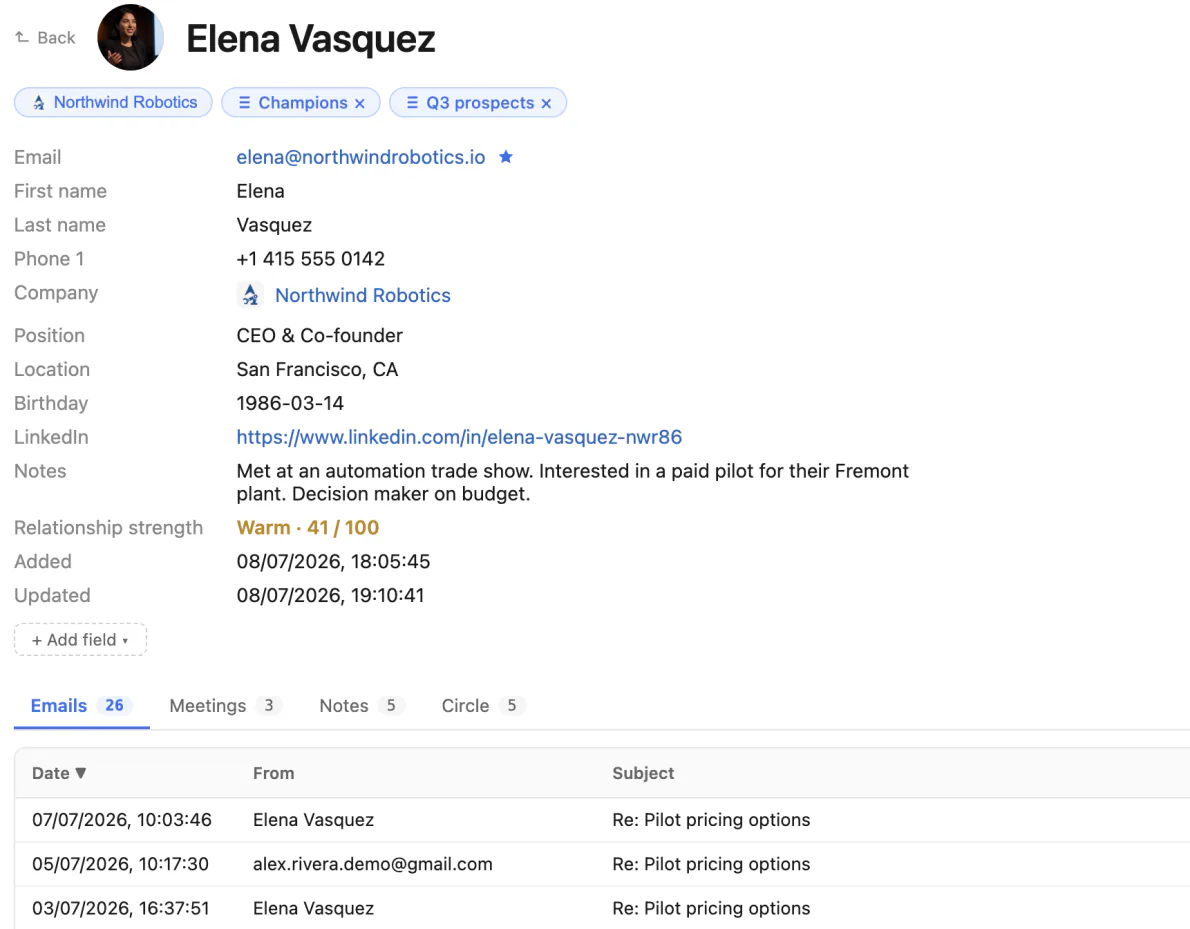
One page per relationship, on one Mac.
Kola does not import from another tool, and it does not need to. It reads the same accounts you already connected elsewhere and builds its own picture from them.
Install Kola.
One download, signed and notarized by Apple. Nothing to export from Folk first.
Connect an account.
Start with the mailbox and calendar you live in. Kola reads them in the background and fills itself in.
Keep both for a while.
Nothing forces a decision. Run them side by side and keep whichever earns its place.
Can my team share a Kola?
No. Kola is for one person and keeps its data on that person's Mac. If your team needs a shared board, Kola is not it.
Can I use both?
Yes. Plenty of people keep a shared workspace for the team and Kola for the network they carry themselves.
Do I have to import anything to get started?
No. Connect the same accounts you already use and Kola builds itself from them. There is nothing to export from anywhere else first.
Which accounts can it read?
Gmail, Outlook and Apple Mail, Google and Outlook calendars, Google and Apple Contacts, Telegram, WhatsApp, Slack, LinkedIn, Instagram and Facebook. Connect only the ones you use.
What does it need to run?
An Apple Silicon Mac. Kola is signed and notarized by Apple, so it opens with a normal double-click.
Install Kola and connect an account. Kola builds your contacts from there.